

Tracking social media traffic is no longer about likes or follower counts. It’s about understanding what drives results – like conversions, sales, or demo requests. With organic reach on platforms like Facebook dropping to just 5-6%, and marketers spending 6 hours per week on reports, the need for smarter tools is clear. Here are five tools that can help you analyze traffic, improve ROI, and save time:
- Sprout Social: Tracks data from 9 platforms, connects social posts to web activity, and offers customizable reports. Starts at $199/month.
- Hootsuite Analytics: Monitors 7 platforms, integrates with GA4, and offers competitive benchmarking. Pricing varies.
- SocialPilot: Affordable for agencies, supports 9 platforms, and provides white-label reporting. Plans start at $25.50/month.
- Agorapulse: Links social efforts to business results via GA4, with ROI tracking and custom reports. Starts at $99/month.
- Keyhole: Combines social listening with analytics, offering real-time insights and trend tracking. Pricing on request.
Each tool caters to different needs – whether you’re a solo marketer or part of a large team. Below is a quick comparison to help you decide.
Quick Comparison
| Tool | Platforms Supported | Key Features | Starting Price |
|---|---|---|---|
| Sprout Social | 9 major platforms | UTM tagging, custom reports, AI insights | $199/month |
| Hootsuite | 7 major platforms | GA4 integration, competitive benchmarking | Varies |
| SocialPilot | 9 platforms | White-label reports, heatmaps | $25.50/month |
| Agorapulse | 7 platforms | ROI tracking, custom branding | $99/month |
| Keyhole | 6 platforms | Social listening, trend tracking | Request pricing |
These tools simplify traffic analysis, save time, and provide actionable insights. Start with free trials to see which one fits your workflow.
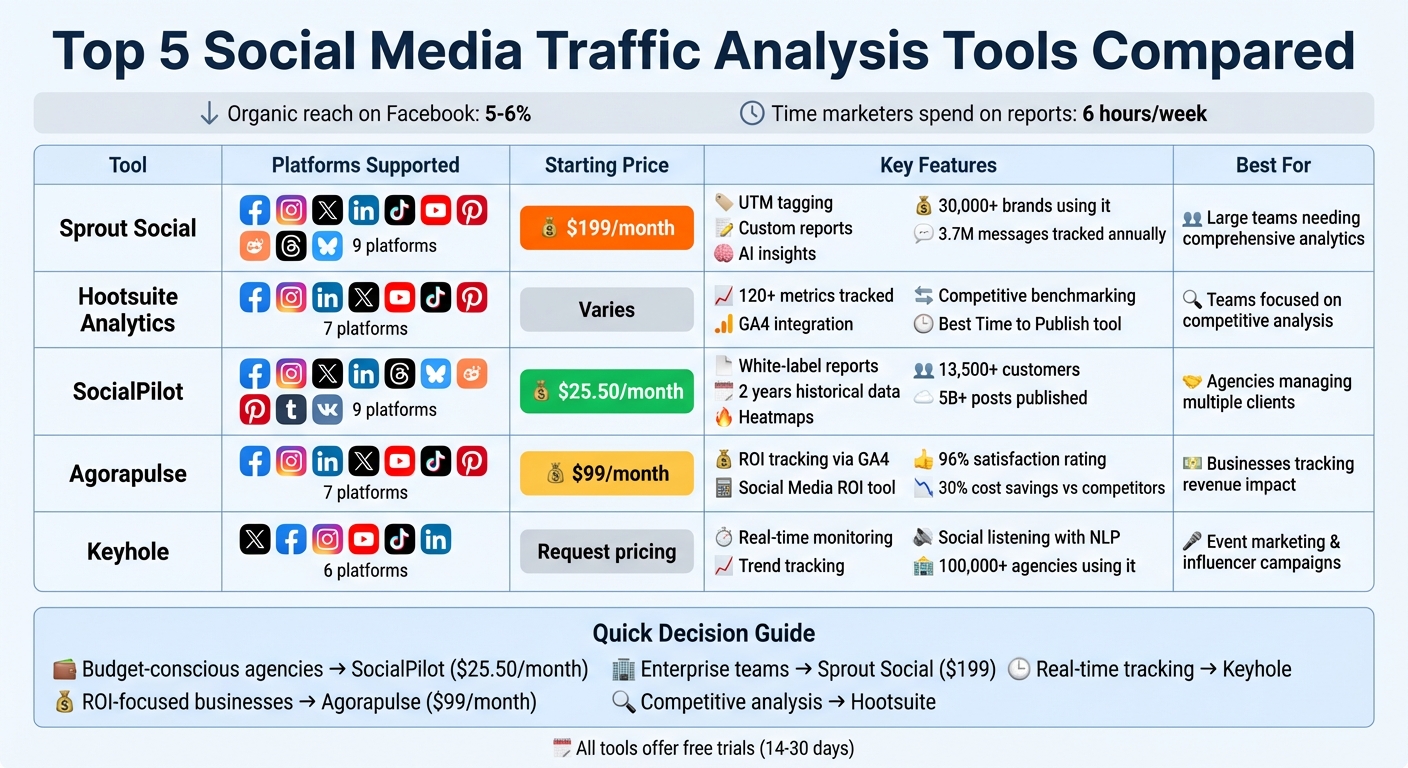
Social Media Traffic Analysis Tools Comparison: Features, Pricing & Platform Support
1. Sprout Social
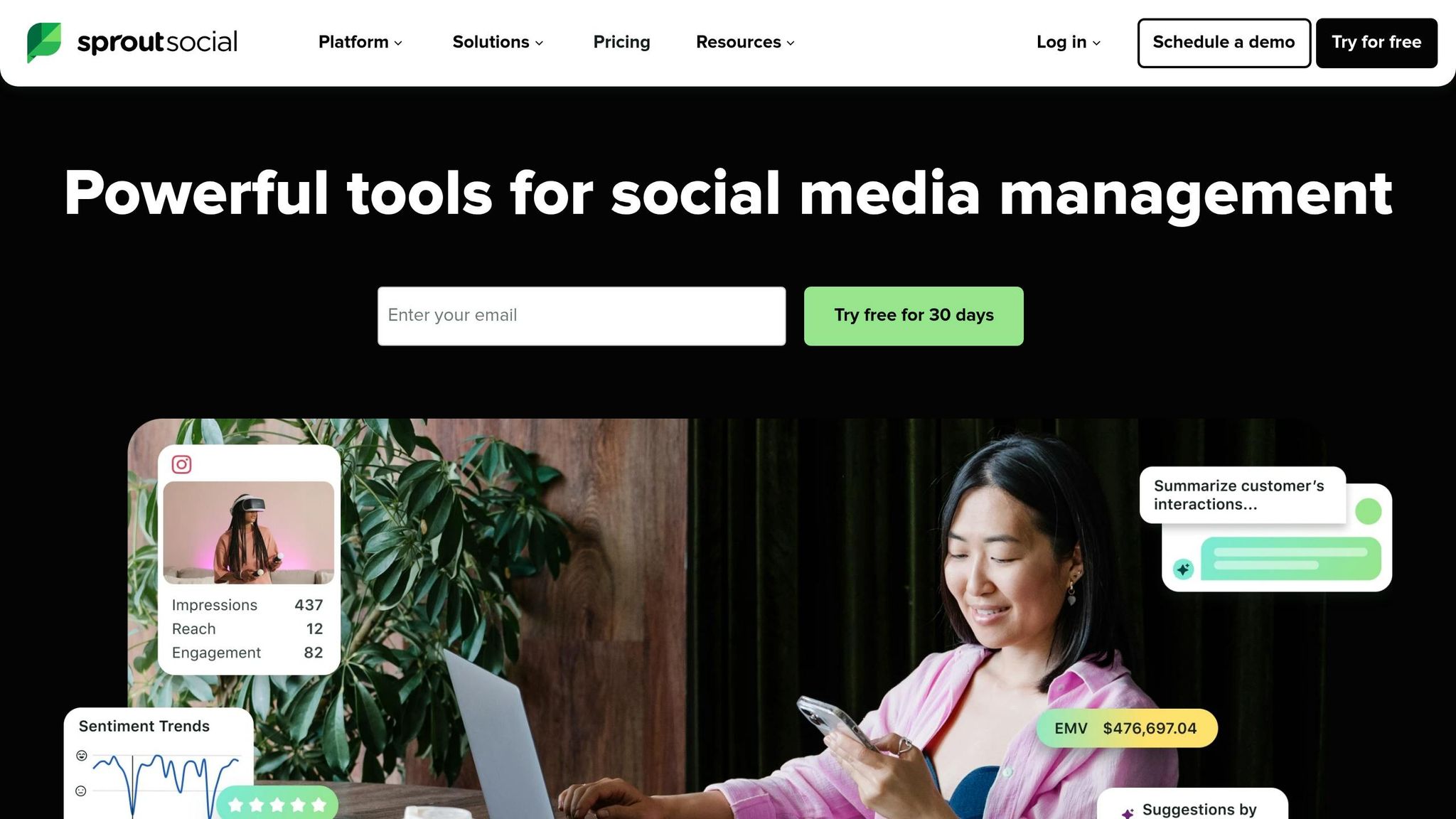
Sprout Social consolidates data from nine major platforms – Facebook, Instagram, X (formerly Twitter), LinkedIn, TikTok, YouTube, Pinterest, Threads, and Bluesky – into a single dashboard. Over 30,000 brands rely on Sprout Social to manage and grow their social media presence, with the platform tracking an impressive 3.7 million social messages annually.
Platform Compatibility
Sprout Social supports key platforms for analyzing both B2B and B2C traffic. For Facebook, it provides detailed metrics like impressions by post type, demographics (location, age, gender), and fan-generated stories. Instagram analytics include reach, save rates, Story completion rates, Reels performance, and hashtag trends. On LinkedIn, it tracks page growth, link clicks, and employee advocacy metrics. This comprehensive coverage helps users benchmark performance and spot trends across multiple channels.
Traffic Insights and Metrics
Sprout Social goes beyond basic engagement numbers by tracking impressions, reach, clicks, and conversions. With UTM tagging, the platform ties social posts directly to web activity, offering insights that are actionable and measurable.
One success story comes from the Grains Research and Development Corporation (GRDC), which used Sprout Social to refine posting times and content formats. This led to a 101% increase in video views, a 79% rise in impressions, and a 63% boost in engagements on Facebook and Instagram. Danielle Gault, Communications Manager at GRDC, shared:
"Sprout isn’t just supporting our social strategy – it’s making it happen. Sprout allows us to exceed typical performance levels for a small social team with limited resources."
The platform also enables users to compare paid and organic content side-by-side, helping assess whether ad budgets are outperforming unpaid efforts.
Reporting and Visualization Features
Sprout Social’s reporting tools are designed for clarity and customization. The Report Builder offers a drag-and-drop interface, allowing users to create dashboards tailored to specific stakeholders. Reports can be scheduled for automatic delivery in PDF or CSV format. Interactive charts make it easy to focus on specific data points and identify trends over time. Additionally, the AI Assist feature generates real-time summaries, providing insights into what’s working and why.
Melissa Fasano, Director of Audience Engagement at Fifty & Five, highlighted the platform’s value:
"Before Sprout Social, there was no real way to see what the return on our messaging was. I pretty much live in Sprout’s Group Report and from there, I’ll drill down to see which profiles are getting maximum engagement."
Integration Capabilities
Sprout Social integrates seamlessly with tools like Google Analytics, Tableau, CRMs, and Slack, ensuring that data flows smoothly across platforms. This integration makes it easier to connect social insights to broader business goals. Pricing starts at $199 per seat per month for the Standard plan, with Advanced features available at $399 per seat per month. A 30-day free trial is also offered for those looking to test the platform.
2. Hootsuite Analytics
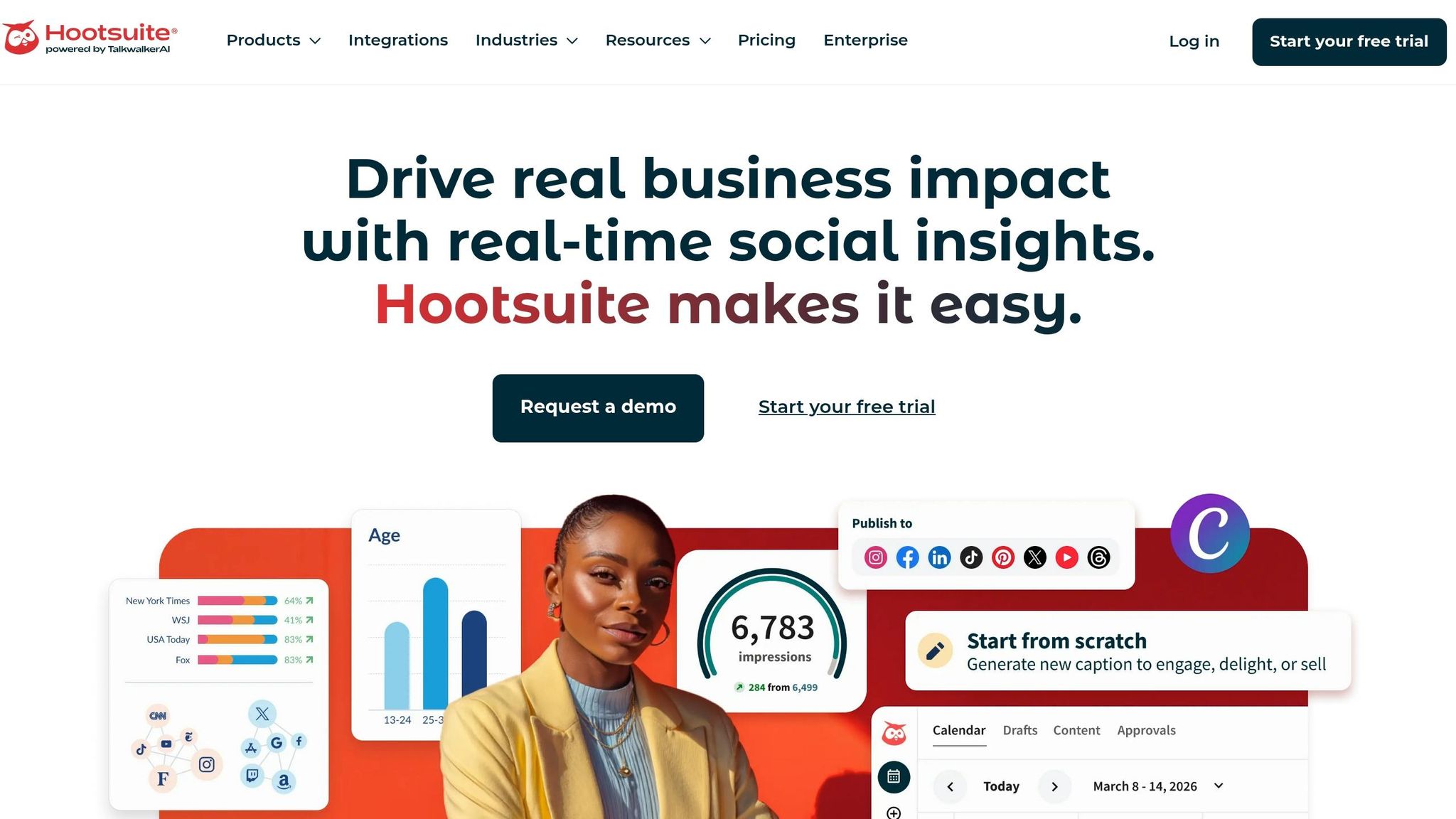
Hootsuite Analytics pulls data from seven major platforms, tracking over 120 metrics, and has earned high marks in G2‘s Summer 2025 Report.
Platform Compatibility
Hootsuite monitors essential performance metrics like website clicks, profile visits, and overall reach across its supported platforms. For Facebook, it tracks more than 30 metrics, such as link clicks, video views, page visits, and daily engaged users. Instagram analytics include reach, engagement, follower growth, and performance insights for Reels and Stories. LinkedIn users benefit from data on page views, post impressions, search appearances, and custom button clicks. Additionally, it provides lead generation data when forms are active and segments visitors by job title, industry, company size, and seniority.
By combining these metrics, Hootsuite turns raw numbers into actionable insights for better decision-making.
Traffic Insights and Metrics
Hootsuite integrates with Google Analytics 4 (GA4), making it easier to connect social media activity to website traffic and conversions. Eileen Kwok, Social and Influencer Strategist at Hootsuite, highlights the importance of this connection:
"With a Google Analytics dashboard, you can share the success of the conversions you’ve been able to bring to the organization."
The platform also includes a Best Time to Publish tool, which uses historical data to recommend the optimal times to post based on specific goals like impressions, engagement, or link clicks.
Reporting and Visualization Features
Custom dashboards allow users to view key performance indicators and dive deeper into individual post performance. Reports can be scheduled for automatic delivery in formats like PDF, Excel, CSV, or PowerPoint. Hootsuite also supports competitive benchmarking, enabling businesses to compare their performance against industry standards. Additional apps, such as Panoramiq Insights for Instagram Stories and Channelview Insights for YouTube analytics, further enhance its reporting capabilities.
Integration Capabilities
In addition to GA4, Hootsuite integrates with CRM tools like HubSpot and Adobe Experience Manager to track the entire customer journey from social engagement to conversion. The connection with Adobe Experience Manager simplifies the process of tracking customer interactions. Hootsuite also works with over 7,000 apps through Zapier, ensuring smooth synchronization of social data with business systems.
3. SocialPilot
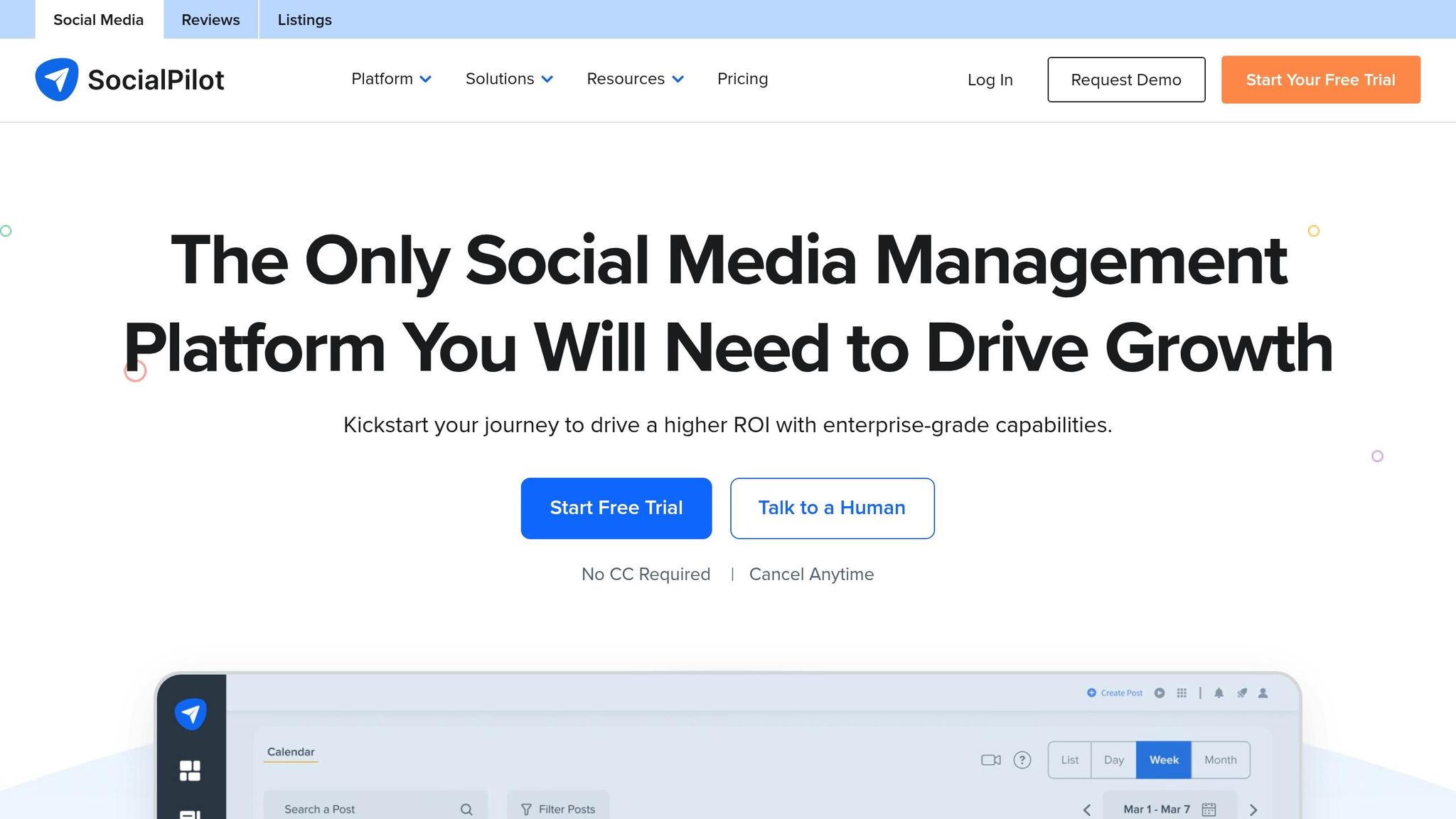
With over 13,500 customers globally and more than 5 billion posts published, SocialPilot is a go-to tool for agencies juggling multiple clients. It stands out for its affordability and ability to deliver detailed analytics across nine major social networks. These insights help businesses fine-tune their strategies and boost ROI, making it a versatile choice for social media management.
Platform Compatibility
SocialPilot supports a wide range of platforms, including Facebook, Instagram, X (formerly Twitter), LinkedIn, TikTok, YouTube, and Google Business Profile. It also extends its capabilities to Threads, Bluesky, Pinterest, Tumblr, and VK for publishing and management. Users can analyze up to two years of historical data for individual accounts, allowing them to track long-term growth and compare year-over-year performance.
Traffic Insights and Metrics
SocialPilot excels in providing detailed traffic metrics tailored to each platform. For Facebook, it tracks Page Views (both total and daily), Page Reach, and Post Impressions, differentiating between organic and paid impressions. A unique metric, "Viral Impressions", captures views generated through interactions by friends of fans.
Instagram analytics dive into Profile Link Taps (clicks to a website), Total Reach, and Total Views. It also breaks down "Reach & Views Trends" by posts, reels, and stories, helping identify which content performs best. LinkedIn Company Pages benefit from metrics like Total Page Clicks and Total Impressions, while personal profiles receive data on Impressions Trends and Reach for posts and videos.
The platform also identifies traffic sources by geography, age, and gender, and for LinkedIn, it includes professional insights such as job roles and seniority levels. The "Follower Online Activity" feature uses heatmaps to reveal when followers are most active, optimizing post timing for better reach.
Reporting and Visualization Features
SocialPilot’s drag-and-drop dashboard consolidates analytics from multiple accounts into a single, easy-to-read report. Heather P., a G2 reviewer, shares her experience:
"I love the detailed analytics that I can schedule and send to clients; makes month-end reporting a breeze."
Reports can be automated and shared via email or secure live links, with no need for recipients to have a SocialPilot account. White-label options allow for customized branding with logos, colors, and fonts, adding a professional touch for client presentations. Additionally, competitor reports provide insights into rival strategies, engagement trends, and growth.
Integration Capabilities
SocialPilot integrates seamlessly with tools like Canva, Unsplash, Giphy, Slack, Feedly, Google Drive, Zapier, Dropbox, Box, Bitly, WordPress, and Shopify. It boasts a G2 rating of 4.5/5 and a Capterra rating of 4.4/5. Pricing starts at $25.50/month (billed annually) for the Essentials plan, which includes 7 social profiles, and scales up to $170.00/month for the Ultimate plan, offering 50 profiles and unlimited users. A 14-day free trial is available, no credit card required.
4. Agorapulse
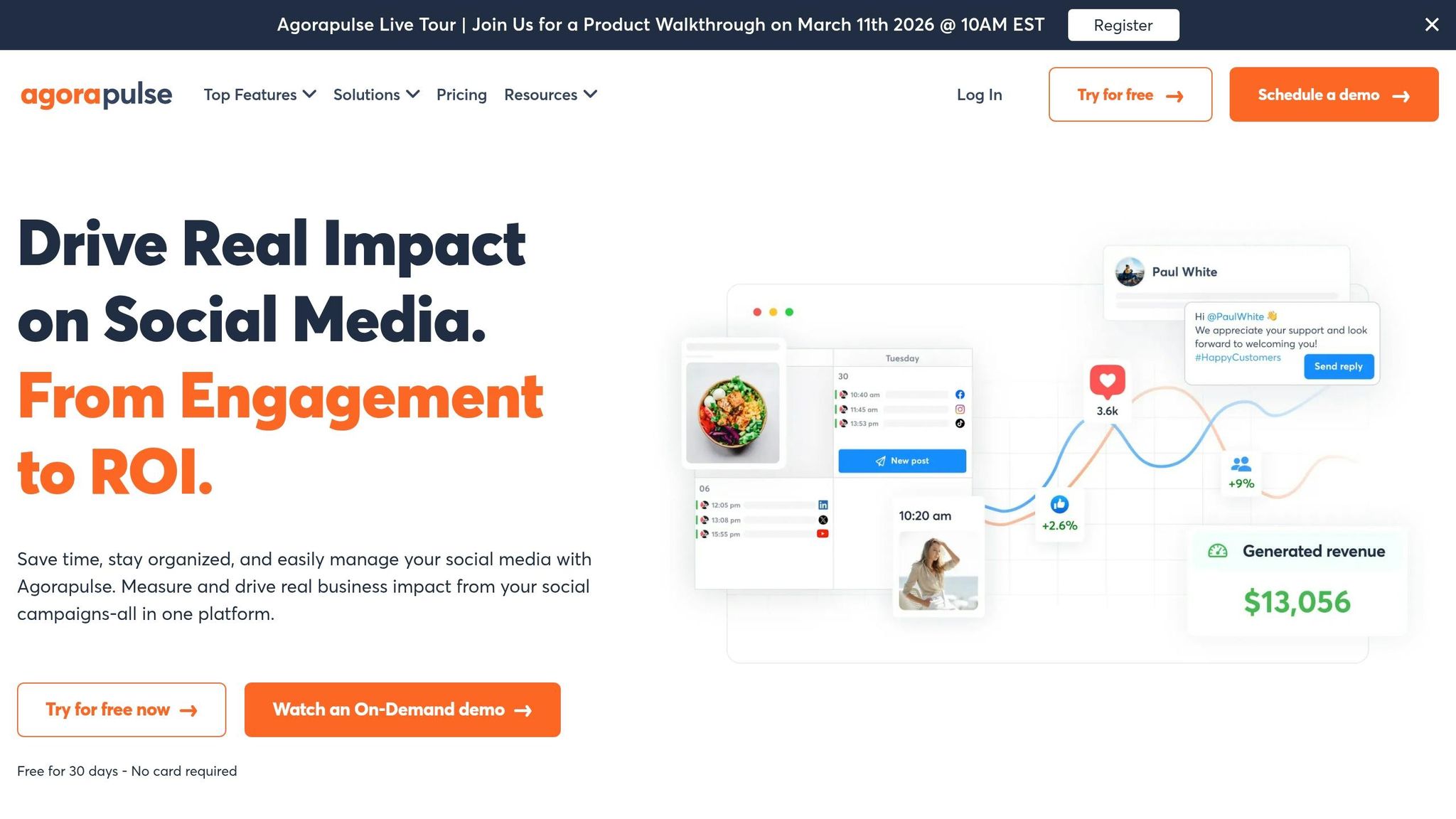
Agorapulse is trusted by over 31,000 social media managers every day, helping them tie social media performance to business results through Google Analytics integration. With a 96% user satisfaction rating, it’s been recognized by platforms like G2, Capterra, and TrustRadius for its ROI tracking and user-friendly design. Teams that switch to Agorapulse report an average cost savings of 30% compared to other tools. Its seamless integration capabilities ensure accurate traffic attribution while connecting to broader analytics features.
Platform Compatibility
Agorapulse supports all major social platforms, including Facebook, Instagram, LinkedIn, X (formerly Twitter), YouTube, TikTok, and Pinterest. It also offers publishing tools for newer platforms like Bluesky. Beyond basic analytics, it provides advanced tracking tailored to different content formats.
Traffic Insights and Metrics
One standout feature is Agorapulse’s Social Media ROI tool, which integrates directly with Google Analytics 4. This allows users to track website traffic, leads, and sales generated by organic social posts. It can pinpoint which specific posts led to actions like "adds to cart" or completed purchases, giving teams a clear view of how social efforts translate into real business outcomes. To ensure precise tracking, users can apply unique UTM "medium" parameters for organic and paid content.
The platform also offers tailored metrics for individual networks. For example:
- On X, it calculates a "Brand Awareness Score" using mentions and listening searches.
- For Facebook, it recommends optimal posting times based on past performance.
- On Instagram, it tracks follower growth and identifies top followers for influencer outreach.
Agorapulse also evaluates community management efforts, tracking response times and the volume of comments and messages handled by teams. Johanna Hoover from Projected Growth Consulting highlights:
"The reporting feature is amazing! I love being able to show my clients their growth every month. I love how customizable it is."
Reporting and Visualization Features
Agorapulse simplifies data presentation with its Power Reports add-on. This feature allows users to combine data from up to 10 social profiles into a single report, which can be exported in PDF, CSV, or PowerPoint formats. Reports can be scheduled for automatic weekly or monthly delivery via email and customized with white-label branding options. Chuck Ellis, a G2 user, shares:
"Agorapulse makes generating reports easy and understandable. We love the analytics features it offers. And it’s considerably less expensive than Sprout Social."
The platform also offers competitor reports for Facebook and Instagram, tracking metrics like follower growth and engagement to help benchmark performance.
Integration Capabilities
Agorapulse goes beyond Google Analytics 4 by using tools like Pulse.ly links and "PulseLink in bio" for Instagram, enabling direct tracking of clicks and conversions from social profiles. This data is seamlessly integrated into its ROI dashboard, centralizing analytics from multiple platforms into one easy-to-use interface. This eliminates the hassle of jumping between native analytics tools.
Pricing starts at $99 per month for the Standard plan. There’s also a free plan available, which includes 1 user, 3 social profiles, and basic reporting. For those interested, a 30-day free trial is offered with no credit card required.
5. Keyhole
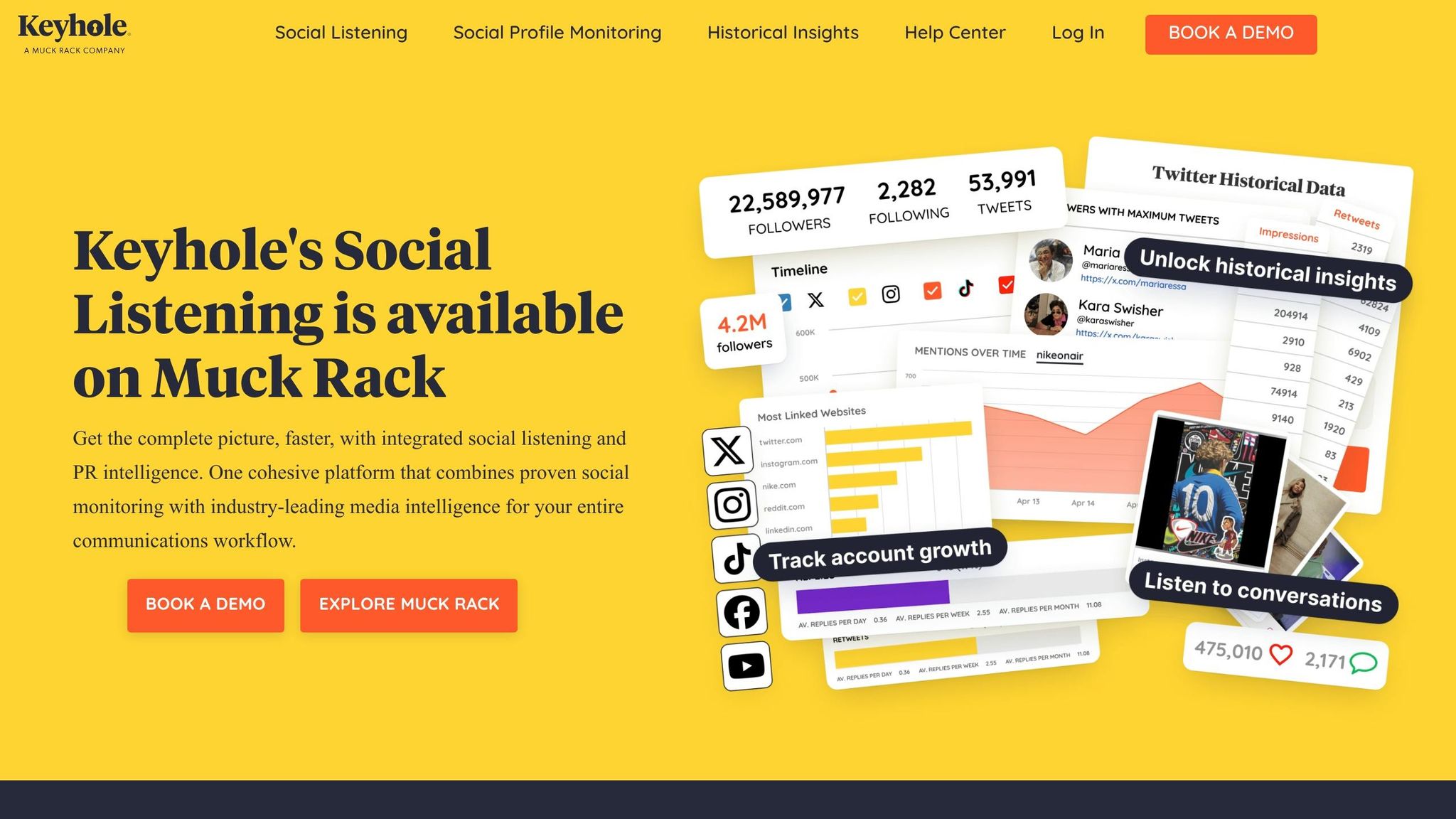
Keyhole, a top-rated social media analytics tool on G2, is trusted by over 100,000 agencies. Since its acquisition by Muck Rack, the platform has expanded its capabilities, merging advanced social listening with PR and media monitoring tools. Its standout feature is its ability to turn complex data into practical insights.
Platform Compatibility
Keyhole monitors brand mentions, hashtags, influencers, and keywords across major platforms like X (formerly Twitter), Facebook, Instagram, YouTube, TikTok, and LinkedIn. For profile monitoring, users can analyze their accounts, although LinkedIn requires authentication. It also provides historical data for X (Twitter).
Traffic Insights and Metrics
The platform tracks key metrics like engagement, reach, impressions, and follower growth in real time across supported networks. It uses natural language processing (NLP) to classify mentions as positive, neutral, or negative. Demographic data reveals who is interacting with your content, while insights on optimal posting times help boost visibility.
For example, Qianna Smith-Brunneteau, Director of Social Media & Strategy for the US Open, used Keyhole to achieve remarkable results: a 700% year-over-year increase in interactions and video views for US Open channels, and a 1,200% increase for USTA social media compared to other Grand Slam governing bodies. The competitor benchmarking tool further enhances strategy by aggregating data from rival accounts to identify trends and opportunities.
These insights seamlessly integrate with Keyhole’s automated reporting tools.
Reporting and Visualization Features
Keyhole simplifies reporting with automated daily, weekly, or monthly KPI benchmarks, eliminating the need for manual data entry. Reports can be exported as visually appealing PDF charts or Excel files, and customizable dashboards allow users to filter data by keywords, topics, or sentiment for focused analysis. The "QuickTrends" feature tracks the rise and fall of trends in real time, helping teams stay ahead of market changes.
Andy Wallace, Vice President of Programs & Partnerships at BibRave, highlighted the benefits:
"Before Keyhole we were manually inputting and aggregating social metrics, and all of our influencers needed to submit posting metrics individually. Our ability to automate this process and pull metrics with a high-level view has been a game-changer."
This streamlined reporting process integrates effortlessly with other tools.
Integration Capabilities
Keyhole ensures smooth data integration with REST API access, allowing users to feed social data directly into internal systems. It also works with existing CRM and communication apps. Its integration with Muck Rack’s PR software combines social listening with earned media metrics from news, TV, and radio, offering a complete view of brand presence across channels. While pricing details aren’t publicly available, historical reports for X (Twitter) start at $50 and scale based on post volume.
Conclusion
Choosing the right tool depends on your business size, platform priorities, and specific goals. For example, Sprout Social and Hootsuite are excellent for larger teams that need in-depth competitive analysis, while Agorapulse is ideal for businesses focusing on demonstrating revenue impact through Google Analytics integration. If you’re managing event marketing or monitoring brand performance across platforms, Keyhole stands out with its real-time hashtag and influencer campaign tracking capabilities.
Before committing to any tool, clearly define your KPIs – whether it’s brand sentiment, ROI, or competitive benchmarks. Many premium platforms offer 14- to 30-day free trials, giving you a chance to see if their dashboards align with your team’s workflow and integrate seamlessly with your existing CRM or analytics tools. With advanced analytics, you can significantly improve ROI, and automated reporting can save up to 73% of the time spent on manual tasks.
However, tools alone won’t drive growth. A data-driven approach is crucial for turning raw metrics into actionable strategies. While these platforms provide the data, expert analysis is what transforms it into meaningful insights. Services like Data Analytics, Performance Marketing, and Customer Journey Mapping help bridge the gap between numbers and growth strategies. This approach allows you to move from reactive reporting to proactive optimization – whether that means fine-tuning budgets, implementing multi-touch attribution, or tracking social media leads through your entire sales pipeline.
To ensure accurate tracking, use consistent UTM parameters like ?utm_source=instagram&utm_medium=reels. Focus on engagement quality metrics such as saves and shares, rather than vanity metrics like follower counts. It’s worth noting that by 2026, 78% of marketers are expected to prioritize conversion tracking over simple engagement numbers.
FAQs
What is the best tool for GA4-based ROI tracking?
Google Analytics 4 is the top choice for ROI tracking when it comes to GA4-based strategies. It provides in-depth insights into social media traffic, conversions, and return on investment, making it a powerful tool for monitoring performance and fine-tuning your approach.
How do I set up UTM tags to track social conversions?
To monitor social media conversions, UTM tags are a handy tool. By appending specific URL parameters to your links, you can track where your traffic is coming from and how it performs. Tools like Google’s Campaign URL Builder make creating these tags straightforward.
Here’s how it works:
- Pick the URL you want to track: This is the web page you want users to visit.
- Add UTM parameters: Include tags like
utm_source(e.g., Facebook),utm_medium(e.g., social), andutm_campaign(e.g., fall_sale) to label your traffic sources. - Use the tagged URL in your content: Share the customized link in your posts, ads, or campaigns.
Once you’ve shared the tagged URLs, analytics platforms like Google Analytics will collect the data, allowing you to evaluate the effectiveness of your social media efforts.
What metrics matter most beyond likes and followers?
When it comes to social media, it’s not just about racking up likes and followers. To truly understand your performance, you need to dig into metrics that show the quality of engagement, audience behavior, and business impact.
Some of the key metrics to monitor include:
- Conversion attribution: Tracks how social media efforts lead to specific actions, like purchases or sign-ups.
- Audience demographics: Gives a snapshot of who’s engaging with your content – age, location, interests, and more.
- Engagement rate: Measures how actively people interact with your posts (likes, shares, clicks, etc.).
- Post reach: Shows how many people actually see your content.
For a deeper understanding, advanced metrics like ROI (return on investment) and multi-platform attribution come into play. These help you measure concrete results, such as revenue generated or customer actions taken because of your social media efforts. This level of insight connects your campaigns directly to business goals, empowering you to create smarter, data-backed strategies.
