


Experiment scheduling automation makes managing multiple tests simple and efficient. Instead of juggling spreadsheets and manual processes, automation tools streamline workflows, allocate resources, and track results. These systems save time, reduce errors, and help businesses run more experiments simultaneously without overwhelming teams. Key features include:
- Workflow Management: Standardized processes that guide experiments from start to finish.
- Integration: Tools connect seamlessly with systems like CRMs and analytics platforms.
- Real-Time Monitoring: Track performance metrics live and address issues instantly.
- Customizable Templates: Pre-built setups for common tests to save effort.
- Simulation Features: Predict outcomes using historical data to refine designs.
Top tools like CellarioScheduler, Momentum Workflow Scheduling Software, Green Button Go, and MaterialsZone cater to different business needs. Whether you prioritize data-driven insights, ease of use, or handling large-scale operations, there’s a tool for you.
To get started:
- Define clear goals and challenges in your current processes.
- Choose a tool that integrates with your existing systems.
- Test its compatibility and ensure smooth data flow.
- Seek expert guidance for successful implementation and optimization.
Automation transforms experimentation into a streamlined, scalable process, enabling faster decisions and better outcomes.
Main Features of Experiment Scheduling Automation Tools
Experiment scheduling automation tools help eliminate the chaos of manual processes, turning them into streamlined systems that improve efficiency and ensure consistent results.
Workflow Management and Protocol Design
At the heart of these tools lies standardized workflow creation, which ensures experiments are carried out with precision from start to finish. Businesses can design repeatable processes to guide experiments, complete with approval checkpoints and automatic triggers to move each phase forward without constant manual input.
For added consistency, these tools offer protocol design features. Teams can create experiment templates that define resources, sample sizes, and success metrics. For instance, marketing teams might develop A/B testing protocols for email campaigns, while product teams create workflows for new feature rollouts. These templates include pre-set parameters that populate automatically when a new experiment begins.
Resource management also gets a boost. The tool tracks available budgets, team members, and technical resources, flagging conflicts and suggesting alternative schedules. This avoids situations where multiple teams unknowingly compete for the same resources, like advertising budgets or testing platforms.
Another standout feature is conditional branching, which adapts experiment paths based on early results. For example, if initial data shows an experiment is performing exceptionally well or poorly, the system can extend its duration, adjust sample sizes, or even trigger follow-up tests – all without manual intervention.
These workflow efficiencies are further enhanced by seamless integration and real-time monitoring.
Integration and Real-Time Monitoring
Integration capabilities remove the hassle of manual data transfers by connecting directly to platforms like Google Analytics and Salesforce. This ensures experiment data flows automatically and is immediately ready for analysis.
For companies with custom tools, API connections allow integration with proprietary databases, customer management systems, and other specialized software. This creates a unified ecosystem where experiment data updates customer profiles, triggers marketing automation, and feeds into dashboards for business intelligence.
Real-time monitoring provides instant insights into experiment performance. Dashboards display live metrics like conversion rates, statistical significance, and budget usage. Teams receive alerts when experiments hit key thresholds, encounter errors, or need immediate attention.
Automated quality control adds another layer of reliability by identifying issues like traffic anomalies, tracking failures, or mismatched sample ratios. When problems arise, the system can pause the experiment and notify relevant team members, minimizing the risk of bad data skewing results.
The tools also include cross-experiment impact detection, which flags when overlapping tests might interfere with each other. This helps maintain the validity of results by recommending adjustments to reduce interaction effects.
Building on these features, customizable templates and simulation tools make setting up experiments even faster and more efficient.
Customizable Templates and Simulation Features
Pre-built templates simplify the setup process for common tests like pricing trials or landing page optimizations. These templates come with industry-standard parameters, recommended sample sizes, and proven success metrics, all of which can be tailored to fit specific needs.
For more complex experiments, the system handles multi-variant testing effortlessly. Teams can set up tests with multiple variables, audience segments, and durations using simple forms. The tool calculates the necessary sample sizes, estimates timelines, and flags potential statistical power issues before the experiment even begins.
Simulation features take planning a step further by modeling potential outcomes before committing resources. Using historical data, the system predicts how different configurations might perform, helping teams refine their designs for better results. Simulations can estimate budgets, completion dates, and statistical outcomes under various scenarios.
For businesses with unique needs, custom metric tracking allows the creation of proprietary success metrics, conversion funnels, and specialized reports. Over time, the system learns from these customizations and recommends similar setups for future experiments.
Finally, progressive experiment design ensures continuous learning. For example, if a pricing test yields strong results, the system might suggest follow-up experiments with additional price points or different customer groups. This approach not only maximizes the insights gained but also reduces manual oversight, speeding up decision-making processes.
Leading Experiment Scheduling Tools for Businesses
Here’s a look at four top tools designed to optimize experiment scheduling:
CellarioScheduler
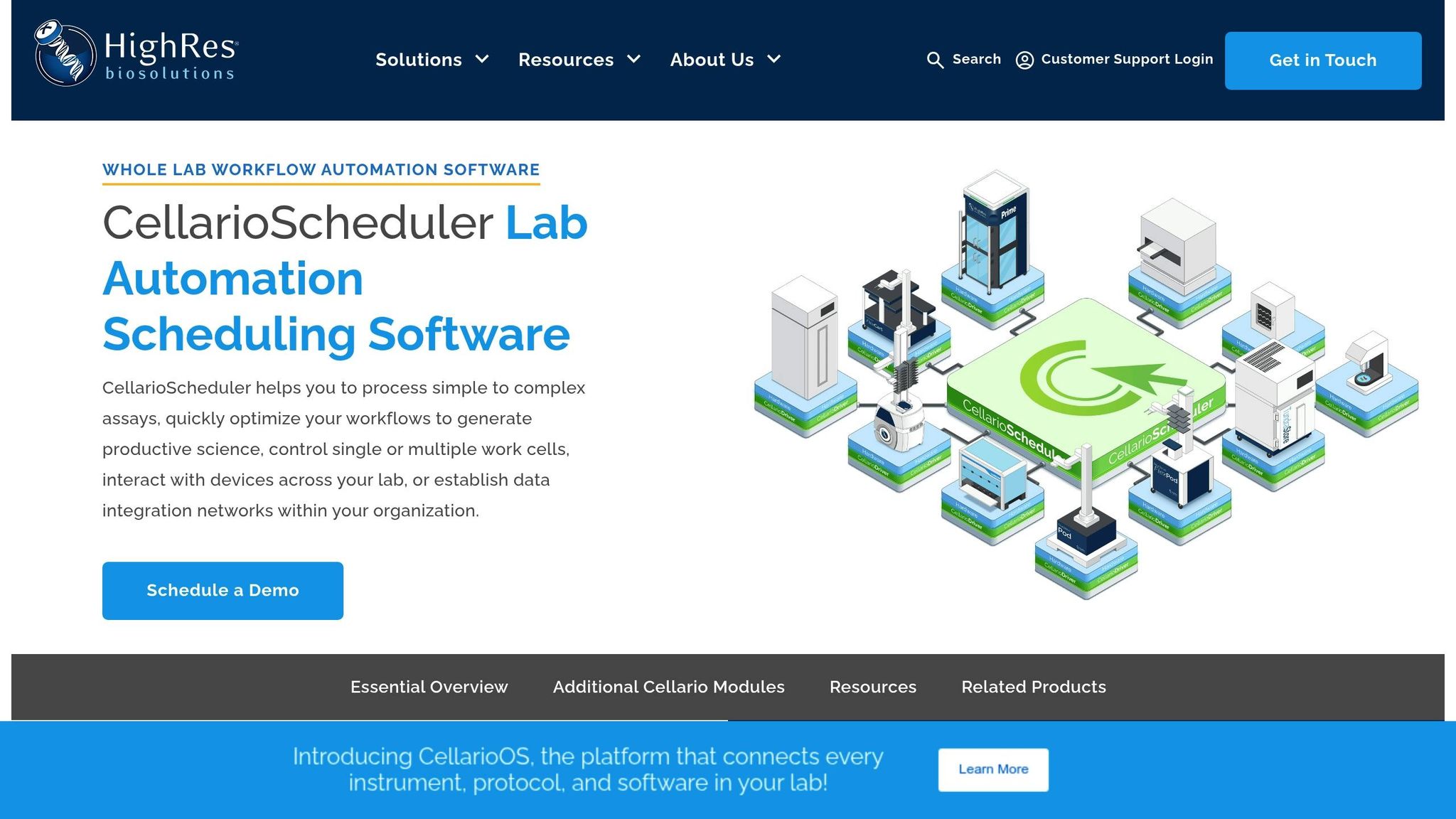
This tool excels at managing multiple experiments simultaneously. It provides a structured framework for scheduling and protocol management, ensuring smooth coordination across tasks.
Momentum Workflow Scheduling Software
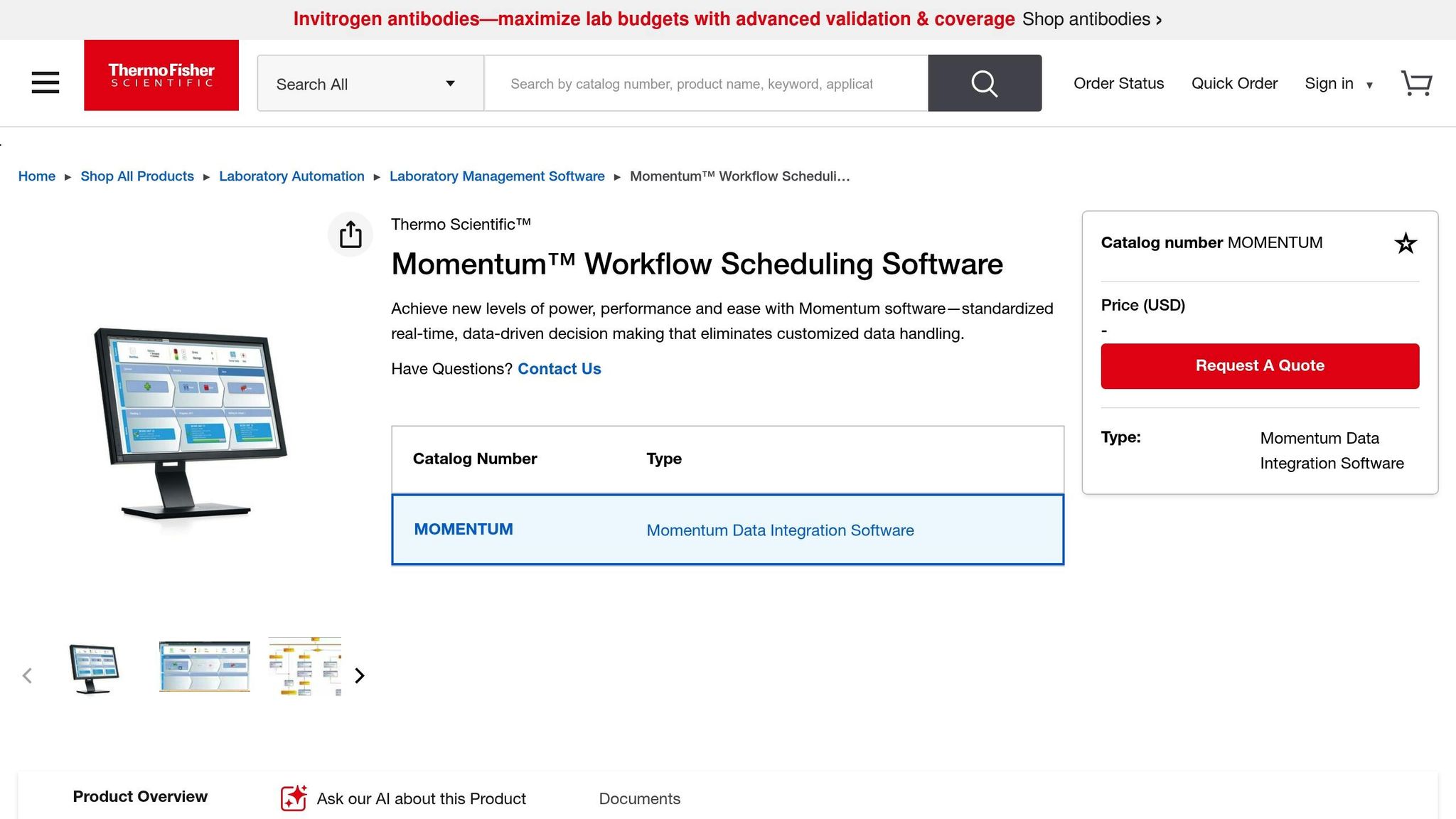
Momentum is built for handling large volumes of experiments. It simplifies complex operations and helps teams manage tests efficiently, saving time and effort.
Green Button Go
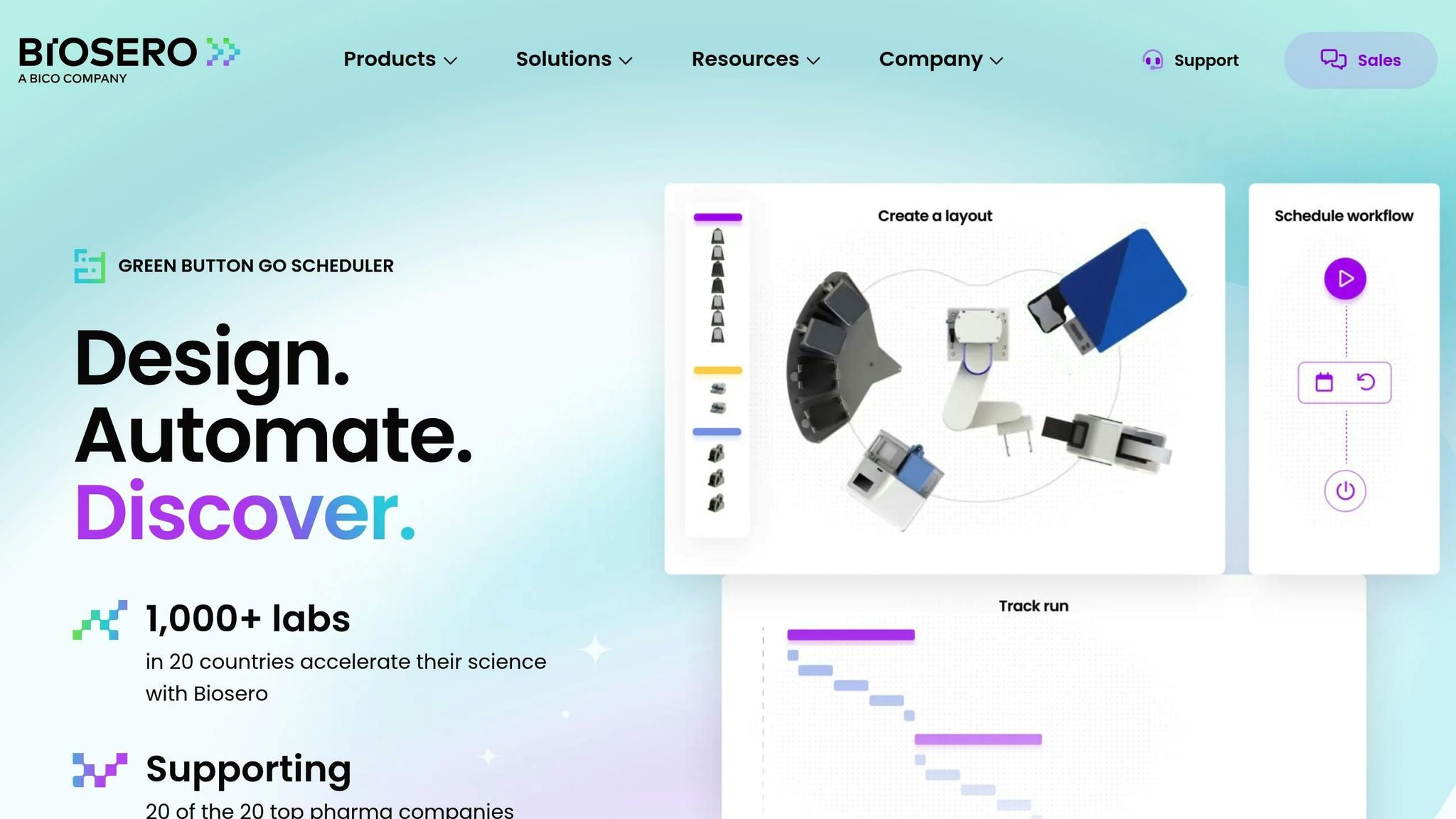
Green Button Go stands out with its intuitive interface, allowing teams to quickly create and adjust schedules without needing specialized technical skills.
MaterialsZone
MaterialsZone leverages analytics to support smarter scheduling and better decision-making, making it a data-driven choice for experiment management.
These tools offer various features tailored to different needs, paving the way for a closer look at how they compare and what they bring to the table.
Tool Comparison Analysis
Selecting the best experiment scheduling automation tool means weighing its abilities in three key areas: workflow management, real-time monitoring, and simulation features. Here’s a breakdown of how each tool stacks up, highlighting their strengths and potential limitations.
CellarioScheduler
CellarioScheduler stands out for its ability to manage multiple experiments running simultaneously without a hitch. Its structured coordination system helps reduce scheduling conflicts and ensures resources are allocated efficiently. That said, its rigid framework might not be the best fit for teams looking for flexibility in advanced simulation scenarios.
Momentum Workflow Scheduling Software
Momentum is designed to tackle complex scheduling demands and handle high-volume operations. With its advanced dashboards, teams can monitor progress in real time and address issues quickly. However, its simulation capabilities aren’t as robust as its workflow management features, which could require additional tools for detailed scenario planning.
Green Button Go
For teams that need to hit the ground running, Green Button Go delivers. Its user-friendly design and quick setup make it easy to start scheduling experiments right away. But this simplicity has its trade-offs, offering fewer options for customizing workflows, real-time monitoring, and simulation features.
MaterialsZone
MaterialsZone takes a data-driven approach to experiment scheduling. By leveraging predictive analytics, it helps identify potential bottlenecks and adjust workflows proactively. Its predictive simulation capabilities set it apart, offering a unique edge in planning and optimization compared to other tools.
Comparison Table of Leading Tools
Here’s how these platforms compare across key features:
| Aspect | CellarioScheduler | Momentum Workflow Scheduling Software | Green Button Go | MaterialsZone |
|---|---|---|---|---|
| Workflow Management | Structured and efficient | Handles complex, high-volume needs | Quick and straightforward | Data-driven optimization |
| Real-time Monitoring | Basic tools | Advanced dashboards | Limited monitoring | Predictive real-time insights |
| Simulation Features | Limited flexibility | Basic simulation support | Minimal capabilities | Predictive analytics integrated |
To find the right fit, align your organization’s priorities with the strengths of each tool. Whether you need structured workflows, advanced monitoring, or predictive simulation, choosing the right platform can streamline current operations and set the stage for future growth.
sbb-itb-2ec70df
How to Implement Automation in Experiment Scheduling
Implementing automation for experiment scheduling isn’t just about picking the right tool – it’s about creating a well-thought-out plan that ensures smooth integration and delivers measurable outcomes. It takes a mix of clear goal-setting, careful system integration, and expert guidance to make the most of automation.
Define Clear Objectives and Requirements
Before diving into automation, take the time to outline your goals. As Redwood Software explains, "Setting clear automation goals ensures stakeholders are aligned, processes are streamlined, and the organization can measure success using relevant metrics".
Start by identifying the specific problems you want automation to solve. Are resource conflicts delaying experiments? Are scheduling errors causing inefficiencies? Or is there a lack of visibility across departments? Pinpointing these issues will help shape your automation objectives.
Your goals should be specific and measurable. For example, instead of saying, "improve efficiency", aim for something tangible, like reducing setup time by 30% or eliminating scheduling conflicts entirely. These clear targets will not only guide your choice of tools but also help you measure success after implementation.
Consider your team’s technical expertise, budget, and timeline. A complex platform might sound appealing, but if your team lacks the capacity to manage it, a simpler tool could be a better fit. Break larger objectives into smaller, manageable steps. For example, if your ultimate goal is to automate your entire experiment workflow, start with one piece – like resource allocation or progress tracking – and expand from there.
Once your objectives are in place, the next step is ensuring your automation system integrates seamlessly with your existing tools.
Ensure Integration with Existing Systems
Automation works best when it fits smoothly into your current setup. Poor integration can lead to data silos and inefficiencies, undermining the very benefits automation is supposed to provide.
Begin by mapping out how data currently flows through your organization. Identify where experiment data is generated, how it moves between teams, and where it’s analyzed. Pay special attention to real-time data updates – your automation tool needs to communicate effectively with other systems to maintain visibility and accuracy.
Look for platforms that offer robust APIs or pre-built integrations with the tools you already use. This ensures that your automation system doesn’t just work in isolation but becomes a seamless part of your workflow. Also, consider your reporting needs early on. Decision-makers across your organization rely on accurate data, and your automation platform should make accessing this information easier – not harder.
Before committing to a tool, thoroughly test its integration capabilities. Request demonstrations to see how data flows between the automation platform and your existing systems. This can help you spot any potential issues before you fully implement the system.
With integration sorted, expert guidance can make the process even smoother and more effective.
Partner with Growth-onomics for Expert Guidance

Once your objectives are clear and your integration strategy is in place, having expert support can make all the difference. Growth-onomics specializes in data-driven strategies and analytics, offering valuable insights to help you navigate the challenges of automation.
Their expertise spans performance marketing, customer journey mapping, and data analytics, making them well-equipped to guide you in selecting the right tools. Growth-onomics can help you avoid common pitfalls, ensuring your chosen solution aligns with both your immediate needs and long-term growth plans.
But their support doesn’t stop there. Growth-onomics can also assist with ongoing optimization. They help establish key performance indicators (KPIs) to measure the success of your automation efforts, develop reporting frameworks to demonstrate ROI, and provide proven strategies for managing change during implementation. This ensures your automation efforts not only improve operational efficiency but also contribute to broader business growth objectives.
Conclusion
Automating experiment scheduling is changing the way companies approach testing and optimization. By shifting from manual processes to automated systems, businesses can minimize human error and gain quicker insights.
Main Takeaways
Automation offers more than just time savings – it boosts productivity by simplifying workflows. Tasks like resource allocation, resolving scheduling conflicts, and tracking progress are handled automatically, freeing teams to focus on analyzing results and driving improvements.
Centralized, real-time dashboards make it easier to make informed decisions. These dashboards provide instant access to accurate data, empowering stakeholders to act quickly and strategically.
Automation also supports scalability without increasing overhead. While manual scheduling might work for a few experiments, it can’t keep up with the demands of managing dozens or even hundreds of tests. Automation platforms effortlessly handle this complexity, enabling organizations to expand their experimentation efforts without added strain.
Today’s tools, such as CellarioScheduler and Green Button Go, cater to a variety of business needs. From comprehensive platforms to more specialized solutions, there’s an option for every technical requirement. The key is choosing a tool that fits your current needs while leaving room for future expansion.
These benefits create a clear path toward implementing automated systems.
Next Steps
To move forward, start by defining your goals and mapping out your current processes to pinpoint challenges. Choose an automation tool that integrates seamlessly with your existing systems, and test its compatibility to ensure smooth data flow and reporting.
Working with experts can make the process smoother and more effective. For instance, Growth-onomics offers expertise in data analytics and performance optimization, helping companies implement automation successfully while avoiding common pitfalls.
Organizations that can test, learn, and adapt faster will have the upper hand. Experiment scheduling automation lays the groundwork for this agility, turning experimentation into a powerful driver of growth.
FAQs
How can I select the best tool to automate experiment scheduling for my business?
Choosing the right tool to automate experiment scheduling begins with identifying what your business specifically requires. Look for features such as task scheduling, resource management, and real-time monitoring to streamline your processes effectively. It’s also important to select a tool that can grow with your business and integrate smoothly with your current systems to support long-term goals.
Ease of use is another critical factor – ensure the tool is intuitive for your team. Tools that offer visualization or simulation capabilities can further boost efficiency by providing better insights into your workflows. By prioritizing these elements, you can find a solution that fits your needs and simplifies how you manage experiments.
What are the main advantages of automating experiment scheduling with tools like CRMs and analytics platforms?
Automating experiment scheduling by integrating CRMs and analytics platforms offers a range of advantages. First, it enables real-time data synchronization, which keeps your systems updated without the hassle of manual input. This not only smooths out workflows but also reduces the risk of errors, giving your team more time to focus on strategic initiatives.
Another major perk is the boost in marketing efficiency. By sharing data seamlessly between systems, you gain actionable insights that improve lead management and coordination. This means faster, more informed decision-making, allowing you to refine how you manage experiments and ultimately achieve stronger results.
How do simulation features in automation tools enhance experiment design and results?
Simulation Features in Automation Tools
Simulation features in automation tools let you test and analyze scenarios virtually before implementing them in real-world settings. This process helps you spot potential problems, tweak processes, and adjust parameters to improve efficiency and reliability.
By creating models of different scenarios, simulations also help you visualize complex interactions and test for consistent results. This not only aids in better decision-making but also minimizes risks and boosts the chances of achieving successful outcomes in your experiments.
