


Running a WordPress site without analytics is like flying blind. Analytics plugins help you understand your audience, track performance, and improve results. Whether you’re managing a blog or an eCommerce store, these tools provide insights on traffic, user behavior, and conversions – all from your WordPress dashboard. Here’s what you need to know:
- Best Free Option: Site Kit by Google integrates Google tools but offers basic features.
- Top for eCommerce: MonsterInsights and ExactMetrics provide WooCommerce tracking and advanced reports for $99.50/year.
- Privacy-Focused: Burst Statistics and WP Statistics store data locally, avoiding external servers.
- Lightweight Solutions: GA Google Analytics adds tracking codes with minimal impact, starting at $15/year.
Quick Tip: Choose a plugin based on your site’s needs – content performance, eCommerce tracking, or privacy compliance. Avoid using multiple plugins to prevent duplicate tracking.
Here’s a quick comparison of popular plugins:
| Plugin | Ideal For | Key Features | Price (USD/year) | Free Version |
|---|---|---|---|---|
| MonsterInsights | Growth tracking | eCommerce, AI insights, form tracking | $99.50 | Yes (Lite) |
| ExactMetrics | Advanced tracking | Scroll depth, 404 errors, WooCommerce | $99.50 | Yes (Lite) |
| Burst Statistics | Privacy-conscious users | Cookieless tracking, GDPR compliance | $39.00 | Yes (Lite) |
| Site Kit by Google | Beginners | Google integration, basic metrics | Free | Yes |
For advanced needs or custom setups, consider professional help like Growth-onomics to align analytics with your goals.
Make WordPress Analytics Easier!

Quick Comparison of Popular Analytics Plugins
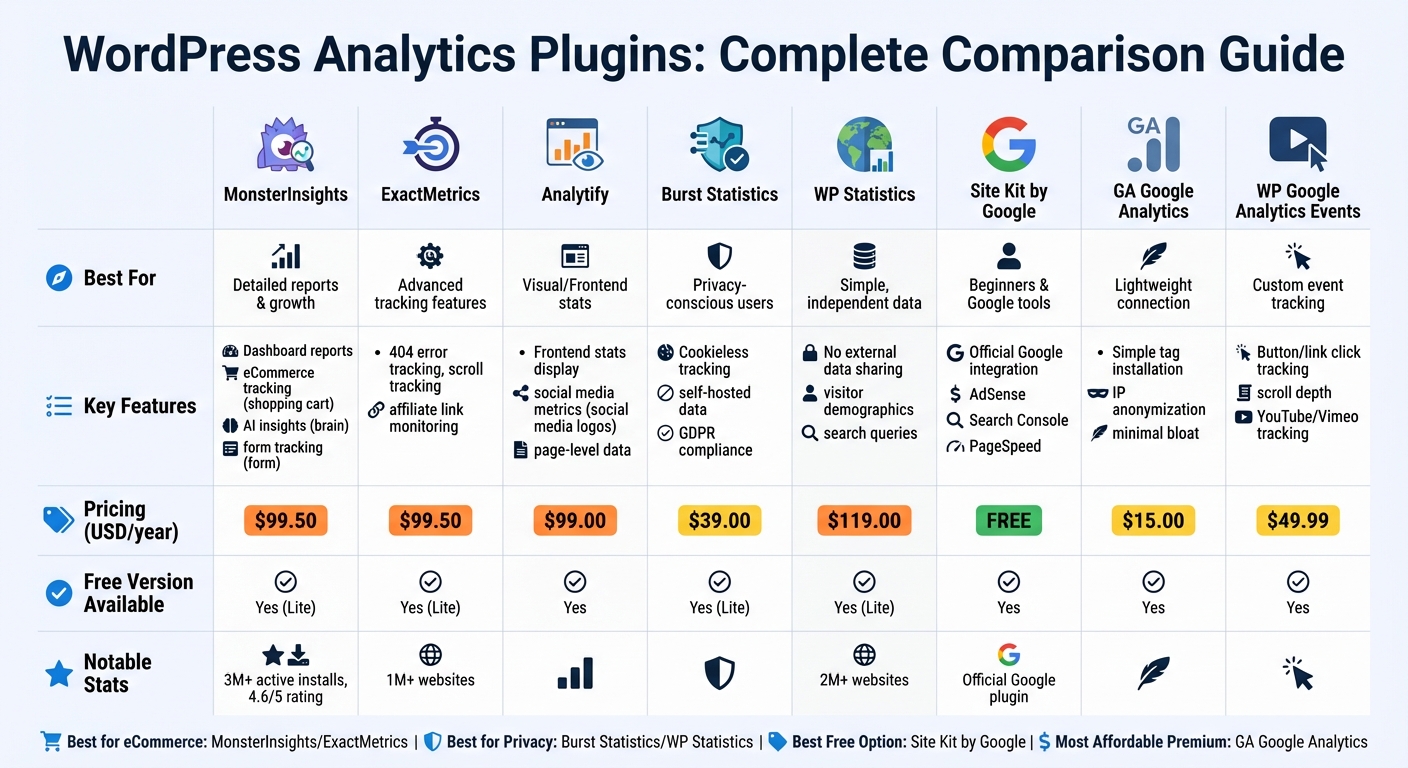
WordPress Analytics Plugins Comparison: Features, Pricing and Best Use Cases
With eight WordPress analytics plugins to choose from, finding the right one can feel overwhelming. These plugins generally fall into three categories: full-featured dashboards like MonsterInsights and ExactMetrics, privacy-focused self-hosted options such as Burst Statistics and WP Statistics, and lightweight connectors like GA Google Analytics.
When it comes to pricing, options range from completely free (like Site Kit by Google) to $119.00 per year for premium features. MonsterInsights stands out with over 3,000,000 active installations and a solid 4.6/5 rating from 2,267 reviews. Similarly, ExactMetrics serves over 1,000,000 users, making it a popular choice for business owners. To help you decide, here’s a quick comparison of the most popular plugins:
Comparison Table
| Plugin | Best For | Key Features | Pricing (USD/year) | Free Tier |
|---|---|---|---|---|
| MonsterInsights | Detailed reports & growth | Dashboard reports, eCommerce tracking, AI insights, form tracking | $99.50 | Yes (Lite) |
| ExactMetrics | Advanced tracking features | 404 error tracking, scroll tracking, affiliate link monitoring | $99.50 | Yes (Lite) |
| Analytify | Visual/Frontend stats | Frontend stats display, social media metrics, page-level data | $99.00 | Yes |
| Burst Statistics | Privacy-conscious users | Cookieless tracking, self-hosted data, GDPR compliance | $39.00 | Yes (Lite) |
| WP Statistics | Simple, independent data | No external data sharing, visitor demographics, search queries | $119.00 | Yes (Lite) |
| Site Kit by Google | Beginners & Google tools | Official Google integration (AdSense, Search Console, PageSpeed) | Free | Yes |
| GA Google Analytics | Lightweight connection | Simple tag installation, IP anonymization, minimal bloat | $15.00 | Yes |
| WP Google Analytics Events | Custom event tracking | Button/link click tracking, scroll depth, YouTube/Vimeo tracking | $49.99 | Yes |
Among these options, Site Kit by Google is the only completely free plugin, though its features are relatively basic compared to the more specialized third-party tools. For eCommerce websites, investing $99.50 per year in MonsterInsights or ExactMetrics can be worth it, as both provide WooCommerce-specific reports and user journey tracking. These insights can help improve conversions, making the cost a smart investment.
Detailed Overview of Top Analytics Plugins
Here’s a closer look at some of the best analytics plugins, their standout features, and pricing options.
MonsterInsights
MonsterInsights brings Google Analytics 4 data directly into your WordPress dashboard. With over 3 million active installs and a 4.6/5 rating, it’s a go-to choice for tracking eCommerce transactions (including WooCommerce and MemberPress), form submissions, and affiliate link clicks. The plugin also includes a Conversations AI feature, allowing you to query performance data in plain English. For those focused on speed and compliance, it offers GDPR tools and supports local hosting of Google tracking scripts, improving PageSpeed scores.
"It just works. Really easy way to insert Google Analytics tracking code and keep it there when switching themes. No need to copy/paste code anywhere." – Steven Gliebe, Founder, ChurchThemes
ExactMetrics
ExactMetrics, previously known as Google Analytics Dashboard for WP, powers analytics on over 1 million websites. It simplifies tracking with features like scroll depth monitoring, file download tracking, and 404 error detection. The plugin integrates seamlessly with WooCommerce to track product performance and customer journeys, while its dashboard delivers clear, easy-to-digest reports.
Analytify
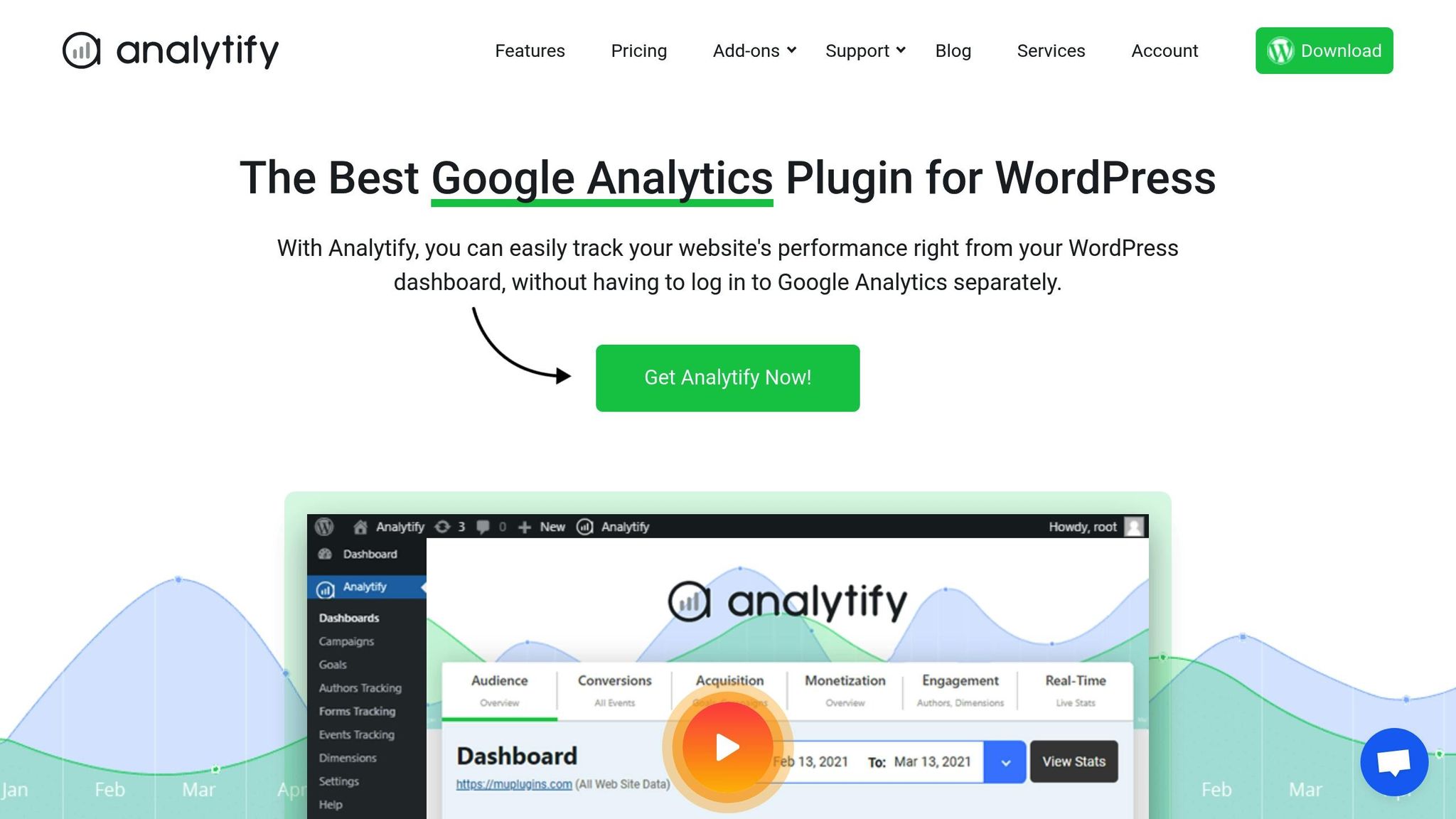
Analytify provides post-level analytics directly in your WordPress admin, making it easy to assess the performance of individual posts or pages. It’s particularly useful for agencies, as it can display real-time data on the frontend for clients. For marketers, it tracks UTM parameters automatically and sends email reports with key metrics. The free version covers basic tracking, while the Pro version starts at $39 per year, with advanced eCommerce features available in plans up to $199 annually.
Burst Statistics
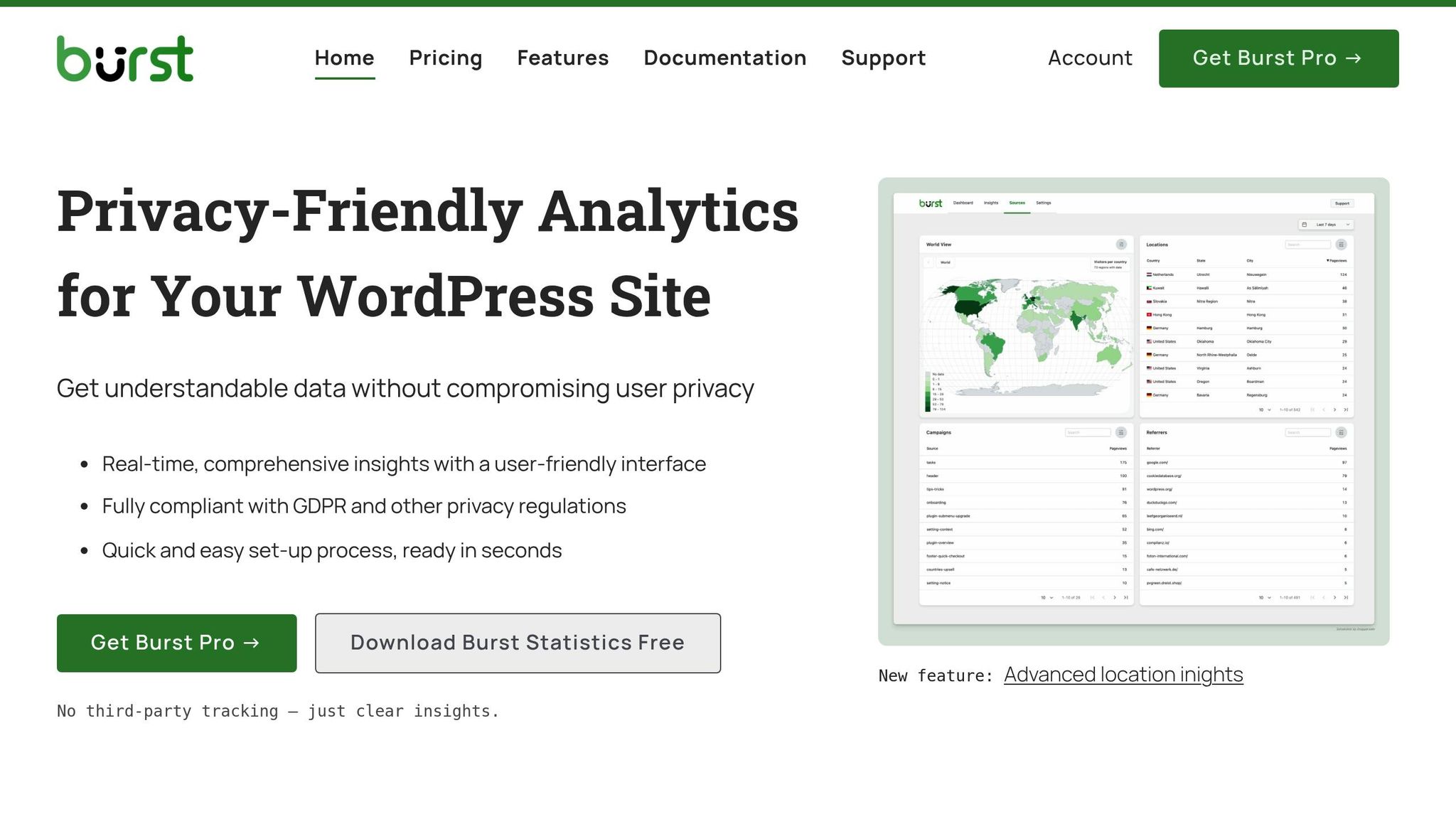
Burst Statistics emphasizes privacy by storing all visitor data locally on your WordPress server, eliminating the need for external services. Its cookieless tracking helps you avoid cookie consent banners while still gathering essential metrics like page views, visitor counts, and traffic sources. The plugin is free, with optional pro add-ons for advanced filtering and custom reporting.
WP Statistics
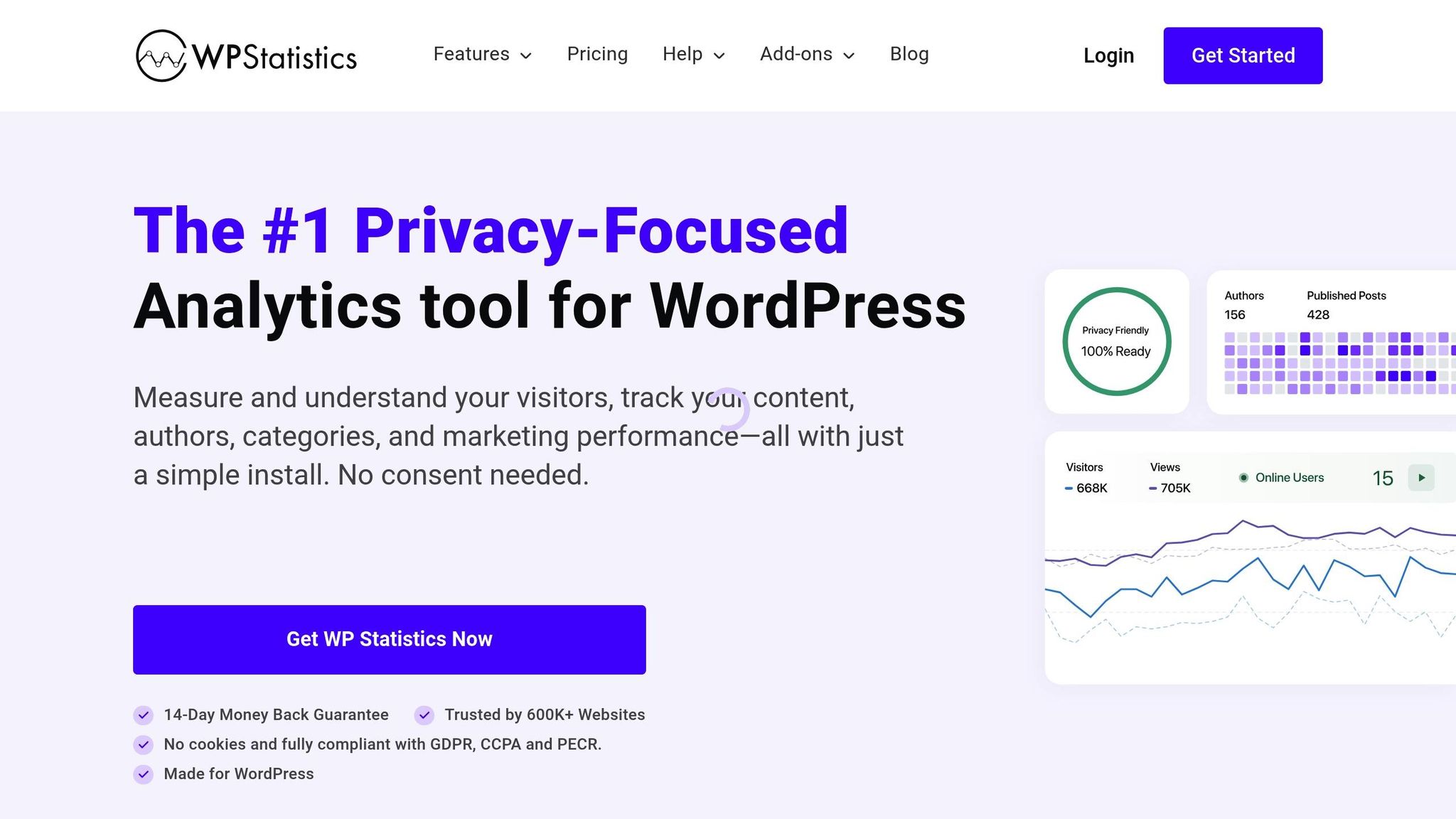
WP Statistics is another privacy-focused plugin, managing all visitor data directly on your WordPress site for complete data ownership. Trusted by over 2 million websites, it tracks search queries from engines like Google, Bing, and Yahoo. The dashboard provides insights into visitor geography, referral sources, and popular content. While the core plugin is free, add-ons for features like data export and advanced filtering start at $119 per year.
Site Kit by Google

Google’s official WordPress plugin, Site Kit, offers seamless integration with the Google ecosystem. It connects services like Analytics, Search Console, AdSense, and PageSpeed Insights into a single dashboard. While it’s completely free, Site Kit focuses on delivering basic metrics and lacks the advanced tracking capabilities of premium plugins.
GA Google Analytics
GA Google Analytics is a lightweight plugin designed to simply add the Google Analytics tracking code to your site. It supports IP anonymization for GDPR compliance and lets you exclude specific user roles from tracking. Its minimalist approach ensures your backend stays fast and uncluttered. The Pro version, priced at $15 per year, offers custom dimensions and enhanced link attribution.
WP Google Analytics Events
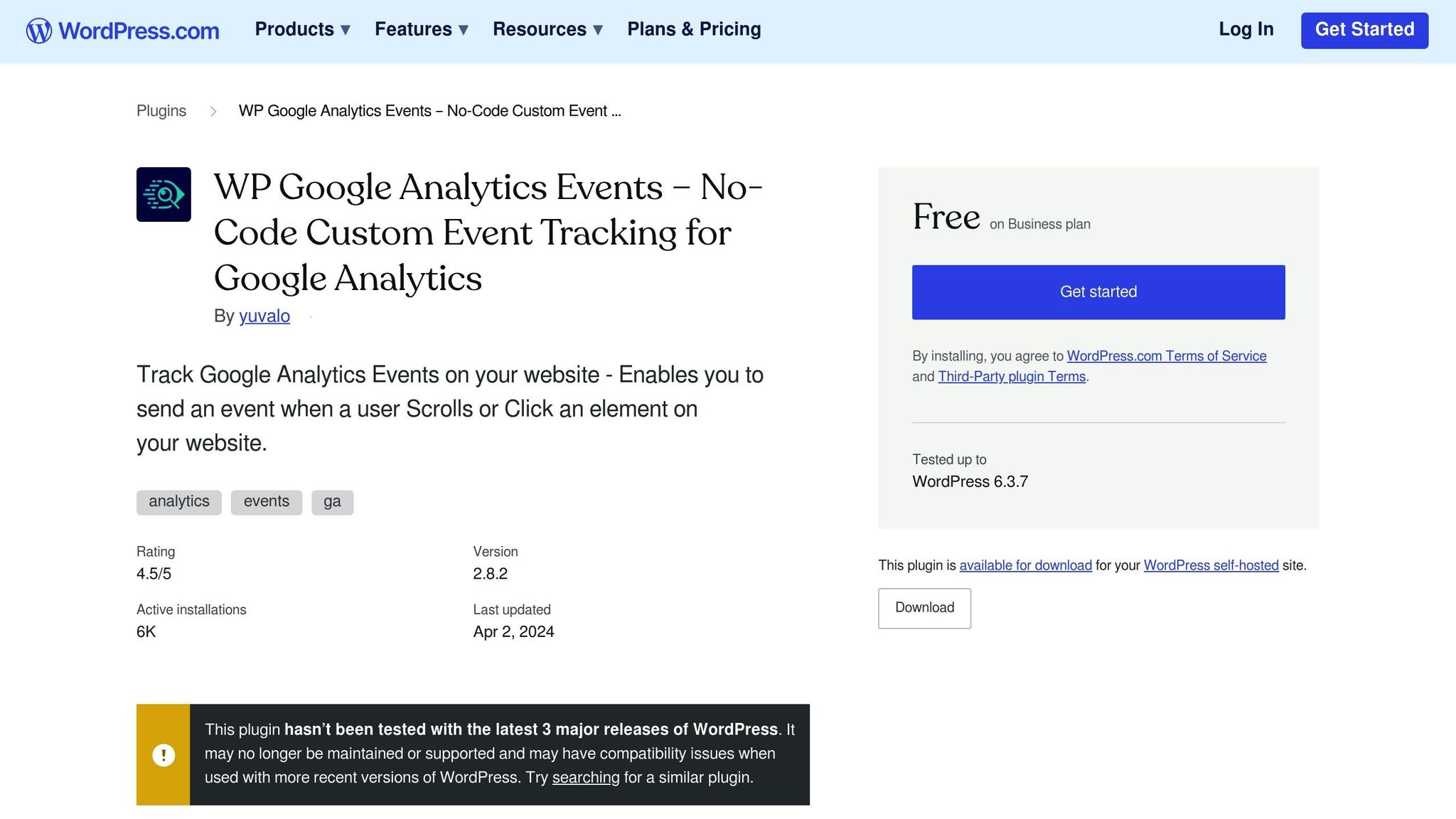
WP Google Analytics Events simplifies advanced event tracking without requiring Google Tag Manager. It automatically tracks user interactions like button clicks, link clicks, scroll depth, and video engagement for YouTube and Vimeo embeds. The Pro version is available for $79 per year.
These plugins offer a range of features to help you track and analyze your site’s performance effectively, catering to different needs and budgets.
sbb-itb-2ec70df
How to Choose the Right Plugin for Your WordPress Site
When it comes to picking the perfect plugin for your WordPress site, there are several factors to weigh. Here’s a breakdown to help you make the best choice.
Factors to Consider
The right plugin depends on your site’s purpose, the metrics you need, privacy concerns, ease of use, and your budget. For blogs or content-heavy sites, look for plugins that focus on tracking individual post performance and traffic sources. Tools like Analytify or WP Statistics are great for this. If you’re running an eCommerce site with WooCommerce or managing memberships, you’ll need plugins that can track revenue, conversion rates, and cart abandonment. Options like MonsterInsights or ExactMetrics offer built-in eCommerce tracking features to meet these needs.
Privacy is another big factor, especially if your audience includes users from the EU or California. In these cases, cookieless plugins like Burst Statistics or WP Statistics let you store data locally on your server, which avoids the need for cookie consent banners. However, keep in mind that self-hosted plugins may slow down high-traffic sites. On the other hand, plugins like MonsterInsights that rely on Google Analytics process data through Google’s servers. While this requires cookie consent and compliance measures like IP anonymization, it can reduce the strain on your server.
Ease of use matters, especially for small and medium-sized businesses. Plugins with no-code setup wizards and in-dashboard reporting save time and reduce headaches when switching themes or updating your site. Features like automatic event tracking – capturing actions like form submissions or affiliate link clicks without manual setup – can simplify your workflow, making these plugins a smart choice for non-technical users.
Budget is also important. Free plugins like Site Kit by Google offer essential features, connecting tools like Analytics, Search Console, and PageSpeed Insights in one dashboard. For advanced capabilities, such as enhanced eCommerce tracking or real-time campaign monitoring, premium plugins like MonsterInsights or ExactMetrics start at $99.50/year. If you’re working with a tight budget, GA Google Analytics offers a Pro version with custom dimensions and link attribution for just $15/year. One key tip: avoid using multiple analytics plugins at the same time, as this can lead to duplicate tracking and inaccurate data.
By considering these factors, you can narrow down your options and find the plugin that aligns with your goals.
Growth-onomics as a Partner for Analytics Implementation

If setting up analytics feels overwhelming or you want to align your data tracking with broader marketing goals, Growth-onomics (https://growth-onomics.com) could be the partner you need. They specialize in custom analytics implementation as part of their performance marketing services, ensuring your chosen plugin drives measurable growth.
Their team brings expertise in data analytics, customer journey mapping, and UX optimization. Whether you’re configuring GA4 for the first time, integrating eCommerce tracking, or creating custom dashboards, they help you track the right metrics and turn insights into actionable strategies. This service is especially helpful for small and medium-sized businesses that want professional analytics support without hiring a full-time analyst.
Conclusion
Picking the right analytics plugin for your WordPress site goes far beyond simply adding a tracking code – it’s about gaining insights that can drive meaningful growth. The plugins we’ve discussed, from the lightweight GA Google Analytics to the more feature-packed MonsterInsights and ExactMetrics, cater to a variety of needs. Whether you’re looking for basic tracking or advanced tools with AI-powered insights, there’s an option to fit your goals. Analytics isn’t just a buzzword; it’s a proven driver of growth, delivering measurable ROI.
The key is choosing a plugin that matches your site’s purpose. Need detailed eCommerce tracking? Privacy-focused data collection? Or maybe just a simple, no-cost solution? There’s a plugin for that. As Peter Sondergaard, Senior Vice President at Gartner, famously said:
Information is the oil of the 21st century, and analytics is the combustion engine.
The right analytics setup can lead to impressive results. For instance, Minted achieved a staggering 400% year-over-year revenue increase by optimizing their platform with Google Analytics.
If setting up analytics feels daunting or you want to ensure your tracking aligns with your broader marketing goals, consider reaching out to Growth-onomics (https://growth-onomics.com). They specialize in turning data into actionable strategies that fuel growth.
FAQs
What should I look for in a WordPress analytics plugin?
When selecting an analytics plugin for your WordPress site, focus on ease of use and key features. Choose plugins that are straightforward to install, let you add tracking codes without needing to edit any code, and display essential metrics right within your WordPress dashboard. Look for features like real-time stats, e-commerce tracking, and post-level insights to quickly identify your top-performing content and revenue-generating pages.
You’ll also want to evaluate privacy, compatibility, and cost. Plugins that comply with GDPR and anonymize data automatically can help you stay aligned with U.S. and international privacy regulations. Check for seamless integration with your existing tools, such as form builders or e-commerce platforms, to ensure you’re capturing the entire customer journey. Pricing varies widely, from free options to premium plans costing hundreds of dollars per year, so weigh the features against your budget. Additionally, prioritize lightweight plugins to avoid slowing down your site, which is critical for maintaining a fast and smooth user experience.
By keeping these factors in mind, you can choose a plugin that delivers the insights you need to improve your site’s SEO, enhance user experience, and make informed marketing decisions.
What makes privacy-focused analytics plugins different from other tools?
Privacy-focused analytics plugins take a different approach to data collection and storage. Unlike tools such as Google Analytics, which rely on third-party cookies and external servers, these plugins emphasize user privacy by keeping data stored locally on your WordPress site. They also avoid using personally identifiable information.
Many of these plugins use cookieless tracking, which reduces the need for those consent banners while still delivering key metrics like page views, referrers, and conversions. They’re designed to be lightweight, which can improve your site’s speed, and they simplify compliance with privacy laws like GDPR and CCPA. While they may not come with all the bells and whistles of traditional analytics tools, they provide straightforward insights that are more than enough for most data-driven decisions.
Can I use more than one analytics plugin on my WordPress site?
Yes, you can use more than one analytics plugin on a WordPress site, but it’s not usually the best idea. Running multiple plugins can cause issues like conflicting data, duplicate tracking, or even slowing down your site.
If you choose to go this route, make sure each plugin has a specific role and doesn’t overlap with the others. For instance, one plugin could focus on tracking visitor behavior, while another handles e-commerce metrics. After setting them up, thoroughly test your site to make sure everything works as expected and nothing breaks.
